
Write a graduation message for after the ceremony
Updated
Write your note and add a school photo. You can share the link before graduation day. It opens at the time you choose after the ceremony.
Postdate shares a message and files through one link that opens at the time you choose. With Basic, Postdate holds the key until then; with Timelock, the key needs a scheduled drand release.
Make a graduation link Basic: free within 7 days and 1 MB after encryption. $3 up to 1 year and 100 MB after encryption.
Send it before it opens
It can be hard to write a note between the ceremony and family photos. Write it the day before.
Choose an opening time after the ceremony is due to end or later that evening. Share the link the night before.
What people see
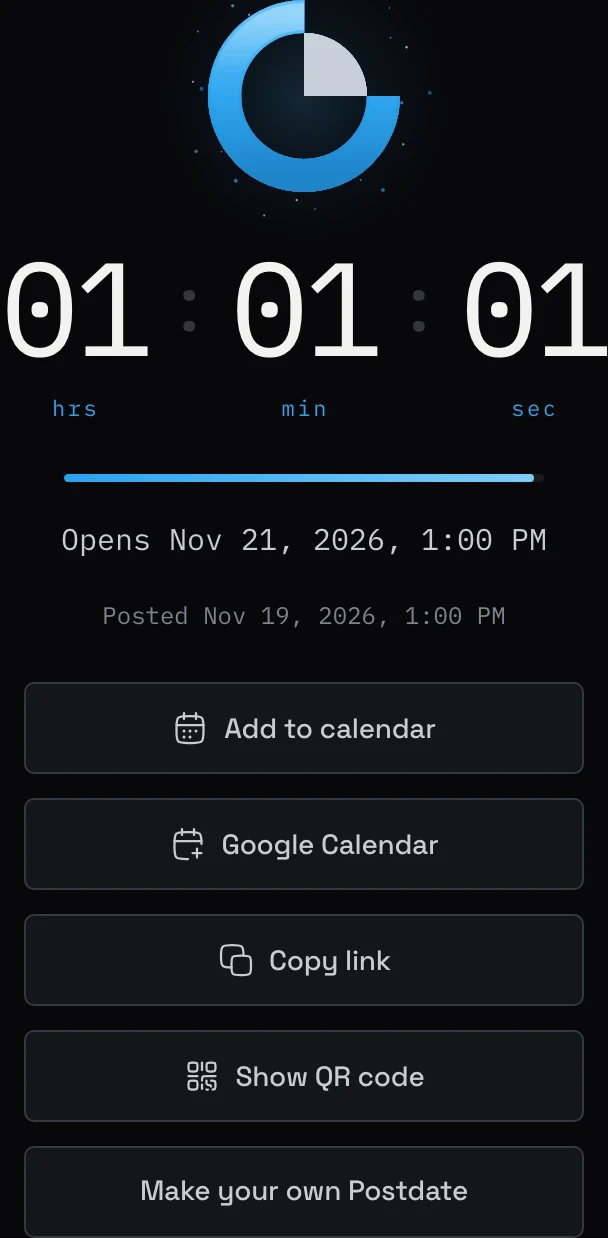
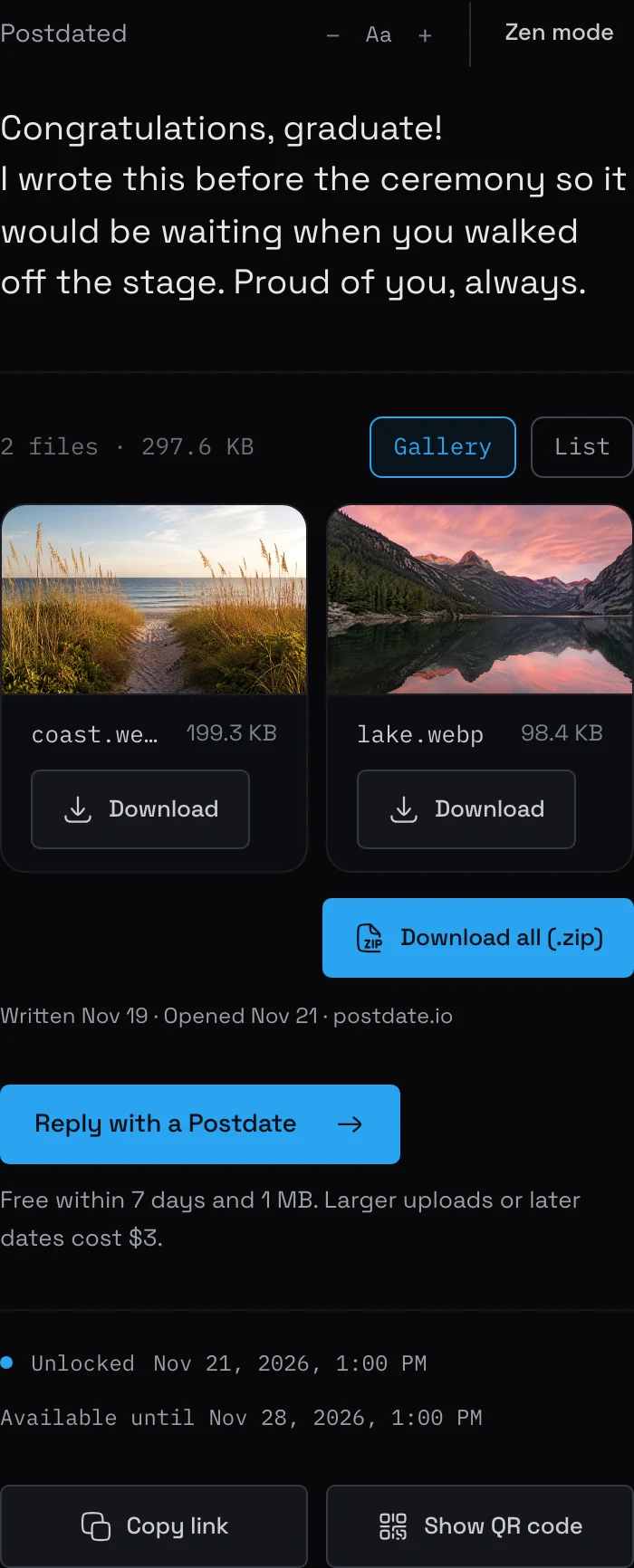
Before the opening time, the graduate sees a countdown. They can add a calendar event and copy the link. Your public teaser appears if you wrote one. The message and attachments stay encrypted until the opening time. They can then open the message in their browser. A celebration plays if you added one. The link expires after your chosen availability period, counted from the opening time.
Adding a calendar event downloads a file to import into your calendar. Set any reminder there. Postdate does not send opening notifications.
Choose a lock
Basic. With Basic, you get a private delete link. Use it to delete the message before opening if the date changes or you want to start again.
Basic is free for messages that open within 7 days and are 1 MB or less. Later dates or larger uploads are $3 USD, up to one year and 100 MB including encryption and file packaging. Postdate holds the key and promises not to read your content before opening. You get a private delete link that works until your Postdate expires. Compare the locks.
Create your Postdate
-
01
Write your message and attach any photos you want to share.
-
02
Choose an opening time after the ceremony is due to end. Check the timezone.
-
03
Add a celebration for $2 if you want confetti when the message opens.
-
04
Share the link with the graduate before graduation day.
Make a graduation link Basic: free within 7 days and 1 MB after encryption. $3 up to 1 year and 100 MB after encryption.
Limits
Basic is free for messages that open within 7 days and are 1 MB or less. Timelock is $3, paid once. Basic is $3 if the opening date is more than 7 days away or the message is over 1 MB. A celebration is a separate $2 add-on. Opening dates can be up to a year away. Your text and up to 10 files must fit within 100 MB after encryption and packaging. A Timelock message cannot be deleted.
Compare Postdate with scheduled email
A scheduled email is sent later. A Postdate link can be shared now, with the same opening time for every reader. Postdate does not send the link or an opening notification for you. It shows when the Postdate was created.
Common questions
Can the graduate open the message early?
No. The link shows a countdown until the time you choose.
Can I attach photos or a video?
Yes. You can add up to 10 files. Your message and files must fit within 100 MB after encryption and packaging. Messages over 1 MB are $3, paid once.
How far ahead can I set the opening date?
You can choose a date up to a year away. A Basic message that opens more than 7 days from now is $3, paid once.
More examples
Send a birthday link that opens at midnight, A gender reveal link that opens at the party
Browse all examples or read about Postdate.